IPTV EPG explained: why your TV guide is empty and how it fills
What an electronic programme guide (EPG) is, how player apps load it, and the usual reasons a guide shows no listings or the wrong times.
By the Kemo IPTV team. Updated
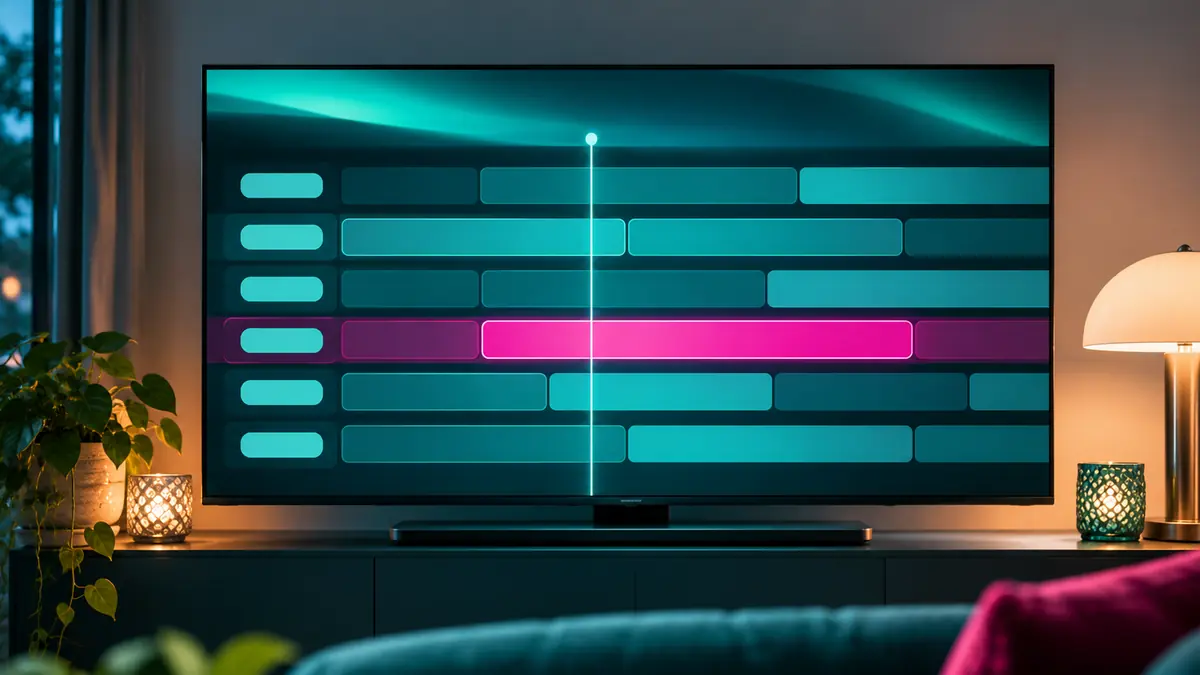
An EPG (electronic programme guide) is the on-screen TV guide in your player app. It shows what is on each live channel now, what comes next, and often a schedule for the hours or days ahead. It doesn't change the channels themselves; it is information about them, loaded separately from the video.
That separation explains most EPG problems: channels can play perfectly while the guide is blank, out of date or an hour off.
What an EPG shows
- Now and next: the current programme and the one after it, usually shown while you browse channels.
- The grid: channels down the side and time across the top, like a printed TV listing.
- Programme details: a title and, where available, a short description.
How much detail appears depends on the guide data for each channel and on how your app displays it.
How player apps load the guide
Guide data is usually delivered in a format called XMLTV. Your player app downloads it and matches each listing to a channel. Depending on the login type:
- with an Xtream Codes login, apps often fetch the guide automatically from the same server;
- with an M3U playlist, you may need to add a separate EPG URL in the app's settings.
Read M3U vs Xtream Codes vs portal logins for the difference.
Why the guide is empty or wrong
| What you see | Common cause | What to try |
|---|---|---|
| No listings at all | The guide hasn't been downloaded yet, or no EPG URL is set | Refresh or update the EPG in the app's settings, then wait a few minutes |
| Some channels have listings, others don't | Not every channel has guide data, or a channel isn't matched to its listing | Check other channels in the same category; ask support if a channel you watch often is missing data |
| Times are shifted by an hour or more | The app's time zone or time-shift setting doesn't match your location | Set the correct time zone in the device and the app; adjust the EPG time offset if the app has one |
| Listings stop after today | The app only stores a short window of guide data | Refresh the guide; some apps let you choose how many days to keep |
| The guide is very slow to open | Large guide files on a low-memory device | Close other apps, restart the device, and keep the app updated |
Keeping the guide accurate
- Refresh it regularly. Many apps can update the guide automatically each day.
- Check the time zone after travelling or moving a device between homes.
- Restart the app after changing guide settings, so it reloads the data cleanly.
Still blank?
If channels play but the guide stays empty after a refresh and a restart, message us with your device, the app you use and a short description of what you see. You'll find all contact options on the contact page, and general first checks in the troubleshooting guide.