What is IPTV? A plain-English guide for cord-cutters
How IPTV delivers live TV and on-demand video over the internet, what you need at home, and how it differs from cable and satellite.
By the Kemo IPTV team. Updated
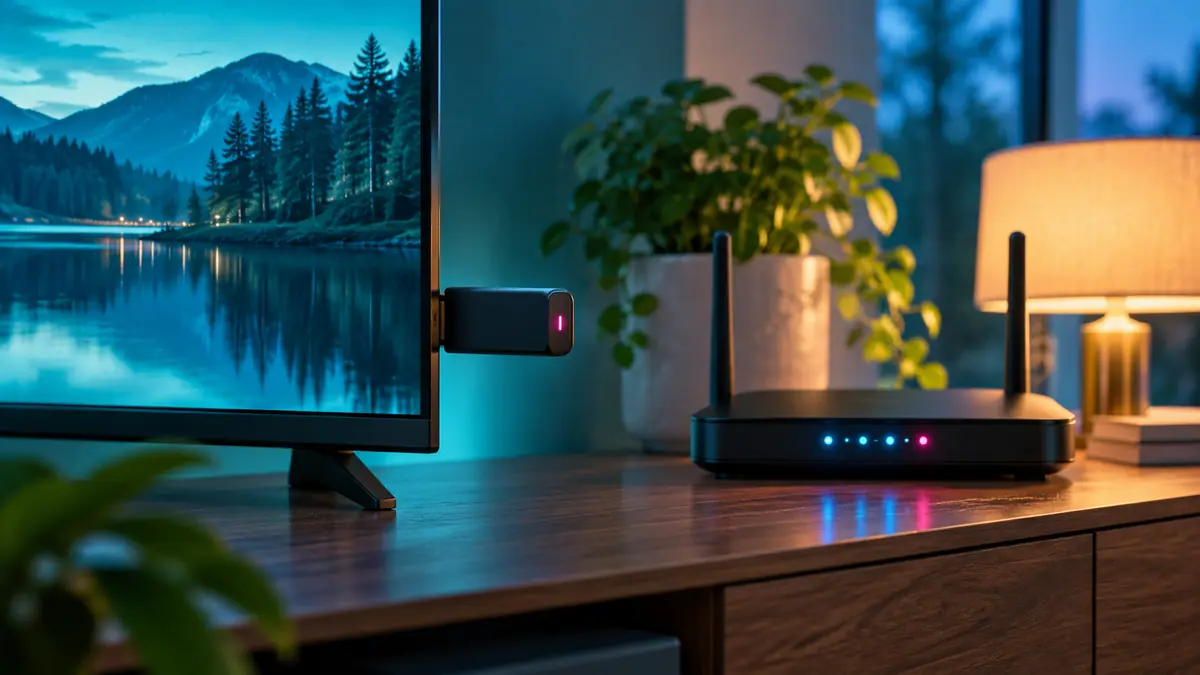
IPTV (Internet Protocol Television) is TV delivered over an internet connection instead of a cable line, satellite dish or aerial. The picture and sound arrive as data, and an app on your device turns that data back into live channels, movies and series.
If you already stream video on your phone or TV, you have used the same basic technology. What makes an IPTV subscription different is that it packages live channels alongside on-demand video, organised much like a traditional TV guide.
How IPTV works, step by step
- The provider prepares the streams. Live channels and on-demand titles are encoded into internet video streams and organised into categories.
- You receive login details. When a trial or subscription is set up, the provider gives you credentials for your account.
- A player app connects to your account. You enter those details into an IPTV player app on your TV, streaming stick, phone, tablet or computer.
- The app lists what you can watch. Channels, movies and series appear in menus, often with a programme guide (EPG) showing what is on now and next.
- You press play. The stream travels over your home internet to the screen.
Nothing has to be installed on your roof or in the wall. The main requirements are a compatible device, a player app and a stable internet connection.
Live TV, video on demand and series
Most IPTV subscriptions combine three kinds of content:
- Live TV works like broadcast television: a channel plays in real time and you join it wherever it is.
- Movies on demand (VOD) are individual titles you start whenever you like and can pause.
- Series are grouped by season and episode, so you can follow a show in order.
Kemo IPTV, for example, lists more than 39,000 live channels, over 180,000 movies and over 60,000 series. Large catalogues are useful, but the search and category tools in your player app matter just as much, because they decide how quickly you find something to watch.
What you need at home
| You need | Why it matters |
|---|---|
| A device that runs an IPTV player app | Smart TVs, streaming sticks, set-top boxes, phones, tablets and computers can all run player apps, but app availability differs by device and model |
| A player app | The app is the "TV" interface: it logs in, shows the guide and plays streams |
| Your login details | Supplied by the provider once your trial or plan is active |
| A steady internet connection | Live video needs a consistent connection more than a fast peak speed |
Because availability of apps differs between devices, the most reliable approach is to tell your provider exactly which device and app you plan to use before paying. That is why the Kemo IPTV free trial form asks for both.
IPTV compared with cable and satellite
- Installation: cable and satellite need physical equipment and often a technician. IPTV runs on equipment you already own.
- Contracts: many pay-TV packages run for 12 to 24 months. IPTV plans are commonly sold for fixed periods such as 1, 3, 6 or 12 months.
- Screens: with IPTV, the number of screens that can play at the same time is set by your number of connections. See how many IPTV connections you need.
- Reliability: cable and satellite don't depend on your broadband. IPTV does, so your home network becomes part of the picture. Our buffering guide covers the usual causes.
For a fuller side-by-side, read IPTV vs cable.
Is IPTV legal?
IPTV is a delivery method, and many licensed broadcasters and streaming services use it. Whether a particular service or stream is allowed depends on content rights and local law. We explain what to look at in Is IPTV legal? What to check before you subscribe.
Trying IPTV before you commit
The simplest way to see whether IPTV suits your home is to test it on your own TV and network. Kemo IPTV offers a 24-hour free trial: you request it with a short form, and our team contacts you to set it up on your device. When you're ready, plans start at $13 for one month on the pricing page.